Tech Stack
Golang, Typescript + React.JS, PostgreSQL, Vite, Docker, Nginx, & Caddy
What is it?
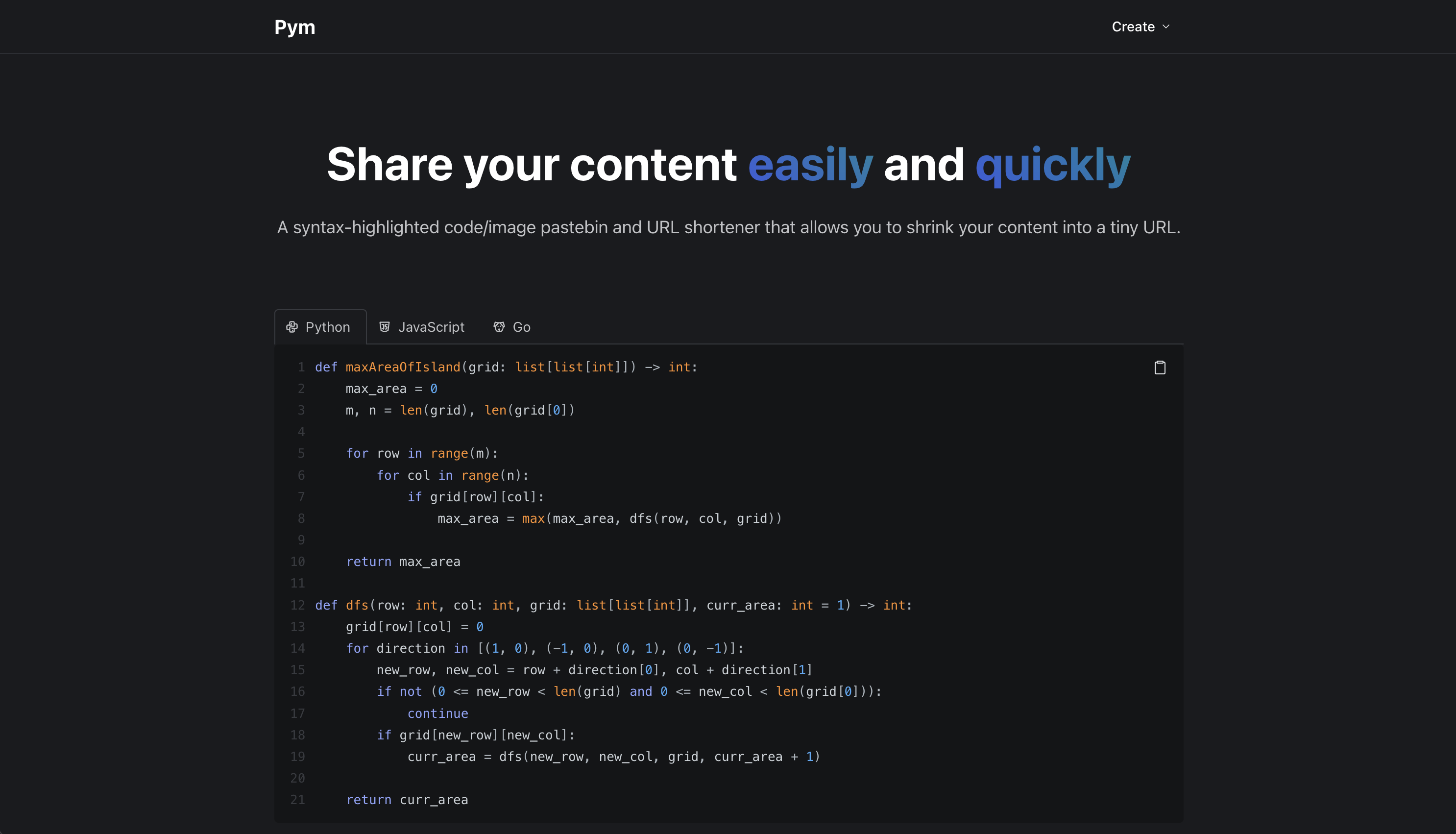
Pym is a syntax-highlighted code/image pastebin and URL shortener that allows you to share your code/images easily. You are able to paste the code or upload the file itself. The name originates from Marvel’s pym particles, which are the particles that allow Ant-Man and Wasp-Woman to shrink.
The idea is that you are able to shrink your entire code file or image into a tiny unique URL to share with whomever. Nerdy? Yes. Cool? A little. But as the saying goes,
There are only two hard things in Computer Science: cache invalidation and naming things.
— Phil Karlton
Once you save/upload a post, a unique short URL with a 4 character ID will be generated (https://pym.jchun.me/yzYj) for you to share.
Every post is created with a default life time of 15 days. However, I wanted to implement a LRU-like deletion mechanism, so a post’s life time is reset to 15 days every time it is visited to prevent a relevant post from being deleted.
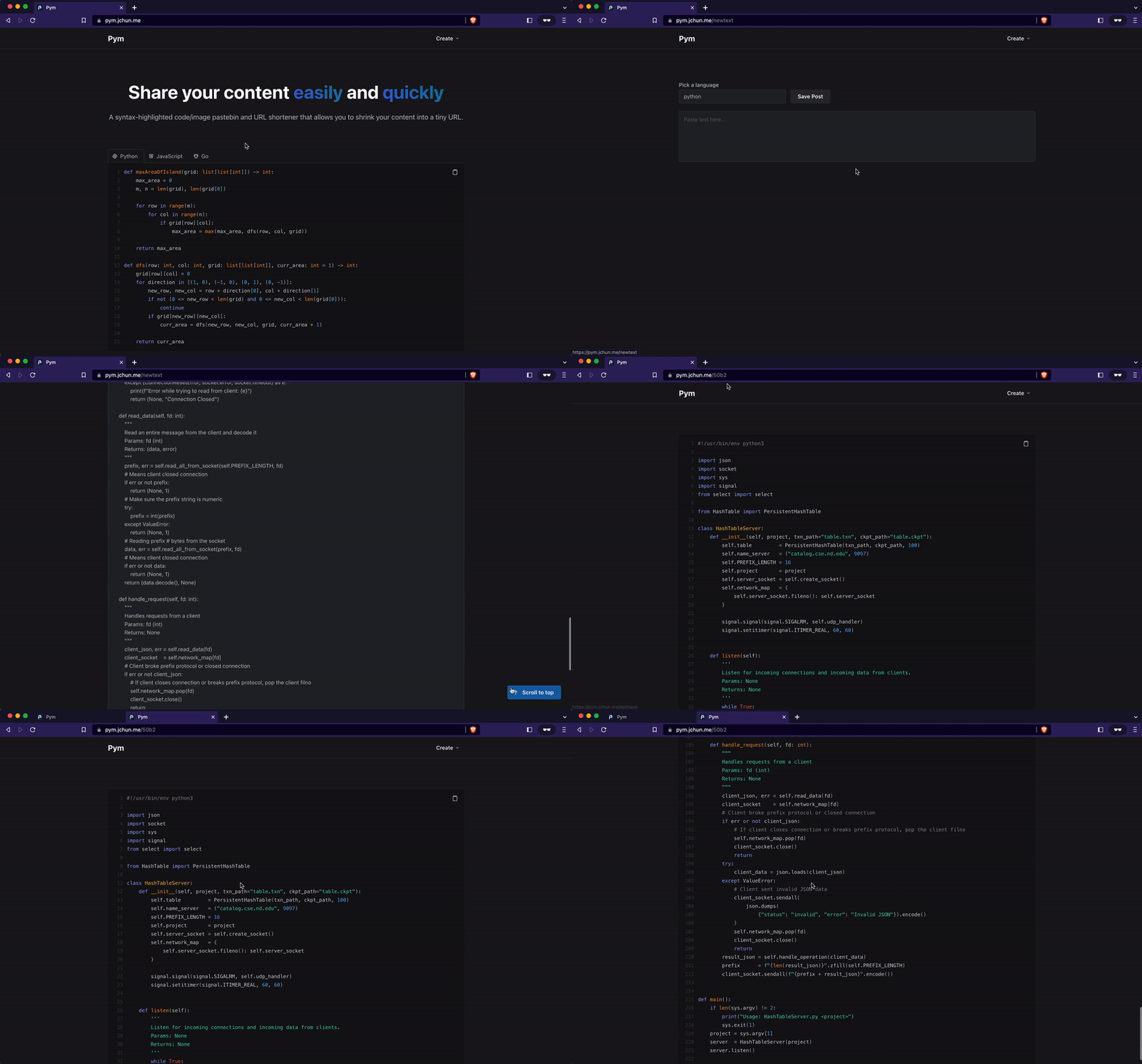
|
|---|
| Creating a new post with a code snippet and sharing URL |
Why?
The reason for Pym’s creation can be boiled down to a couple of points.
- I wanted an easy & pretty way for my friends and I to share code
- I often use IRC and it can’t handle large images, messages, or links very well
- Being more experienced with Python Web Dev, I wanted to explore the Javascript environment (I love it)
There have been so many occasions where my friends and I wanted to share some code with each other, and there just simply was not a good means to do so.
We have tried everything from the OG Pastebin, Google Docs, to Email (yes.. email), but there was no solution that was quite right. The lack of syntax highlighting or terrible/messy UI… it seemed like there had to be a better solution - and that is why I made Pym.
How to use?
My main goal when developing this application was to keep it simple.
Yes, features are great but having too much configuration can very easily lead to a messy UI, and that is what turned me away from a lot of alternative websites.
To make a new post, a user just has to click on the create button on the top right corner of the home page (https://pym.jchun.me), and from there they can choose to either
Paste text
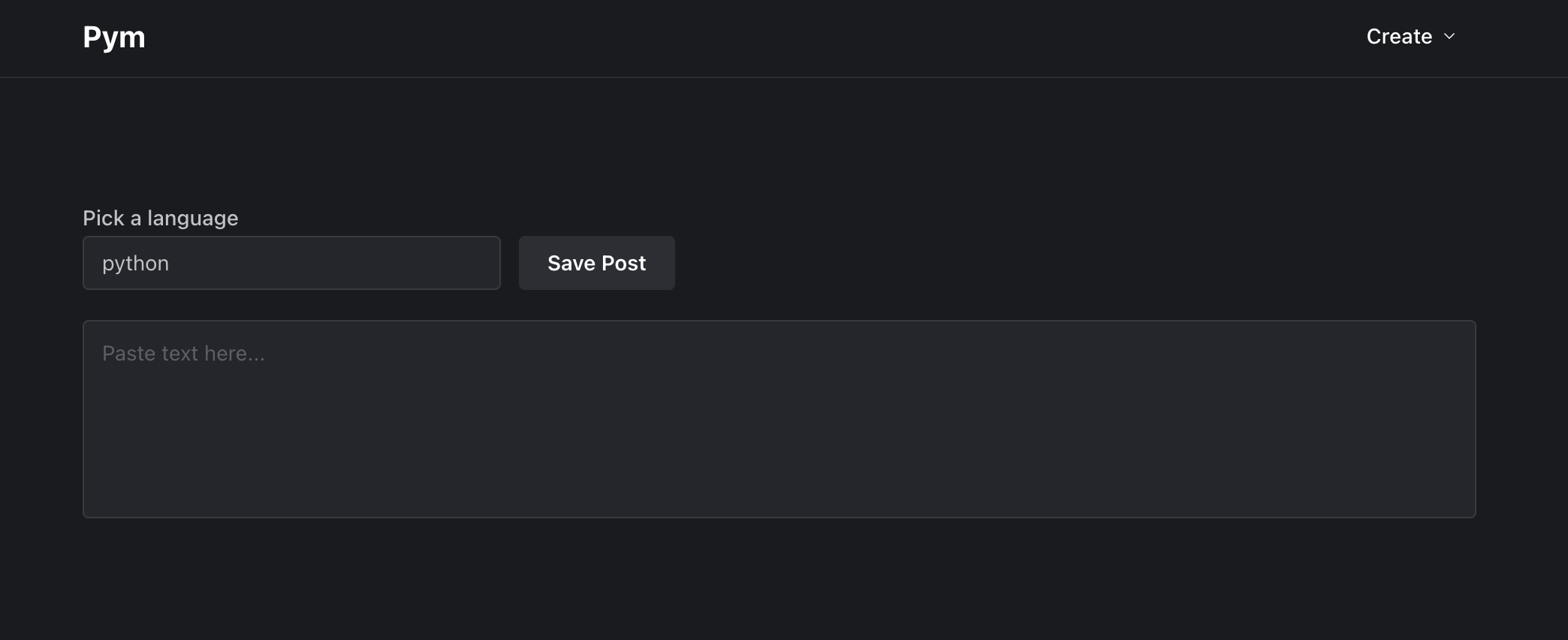
- Simply paste some code in the textbox and choose the programming langauge (used for accurate syntax highlighting and supports more than 135 languages)
- Upon save, user will be redirected to the new unique URL for sharing.
- From the CLI you can also make a cURL request:
$ curl -d '{"group": "text", "language": "plaintext", "value":"$TEXT"}' \
 -H 'Content-Type: application/json' https://pym.jchun.me/api/save
Response > {"shortId":"6t5a"}
Upload a file

- User can either drag and drop a file or browse.
- If the file is of a popular programming language, it will automatically be converted to a “paste” post with syntax highlighting.
- Upon upload, user will be redirected to the new unique URL for sharing.
- From the CLI you can also make a cURL request:
$ curl -F "files=@$FILE" https://pym.jchun.me/api/save
Response > {"shortId": "324f"}
Shorten a URL
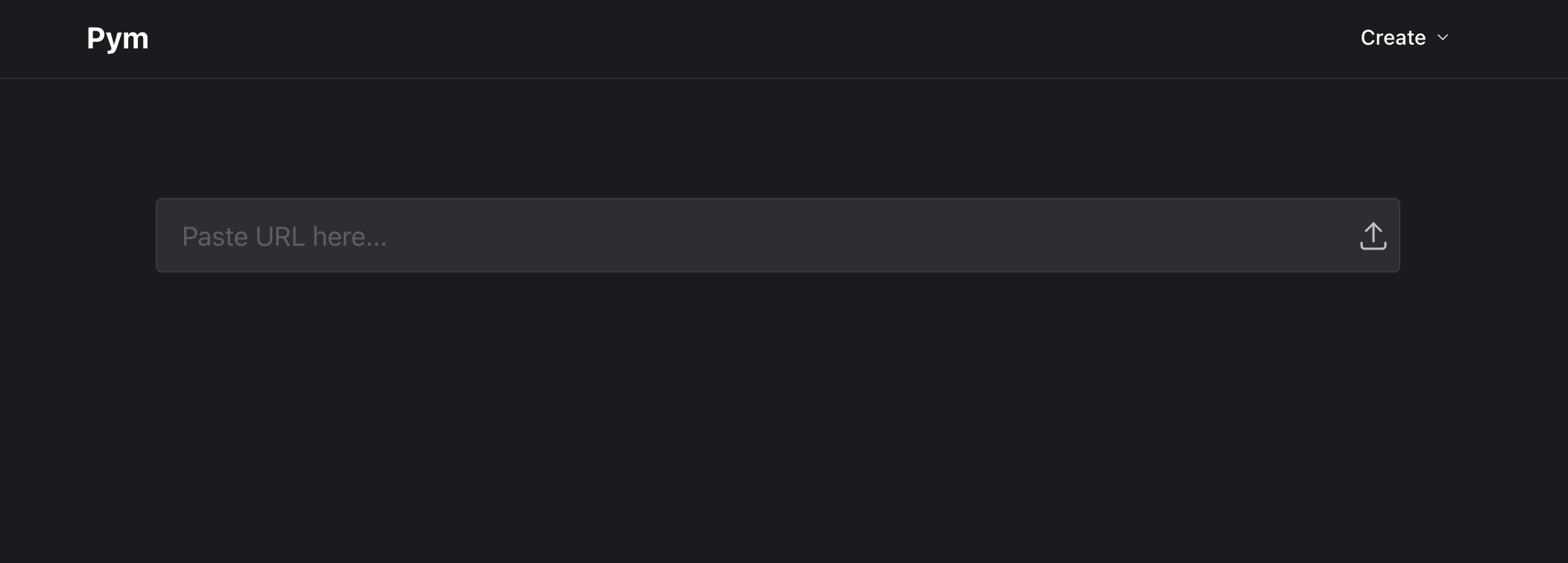
- Simply paste the long (or average sized?) URL into the box and click the upload icon on the right.
- The newly generated short URL will be displayed in the box.
- From the CLI you can also make a cURL request:
$ curl -d '{"group": "link", "value":"$LINK"}' -H 'Content-Type: application/json' \
https://pym.jchun.me/api/save
Response > {"shortId":"6t5a"}